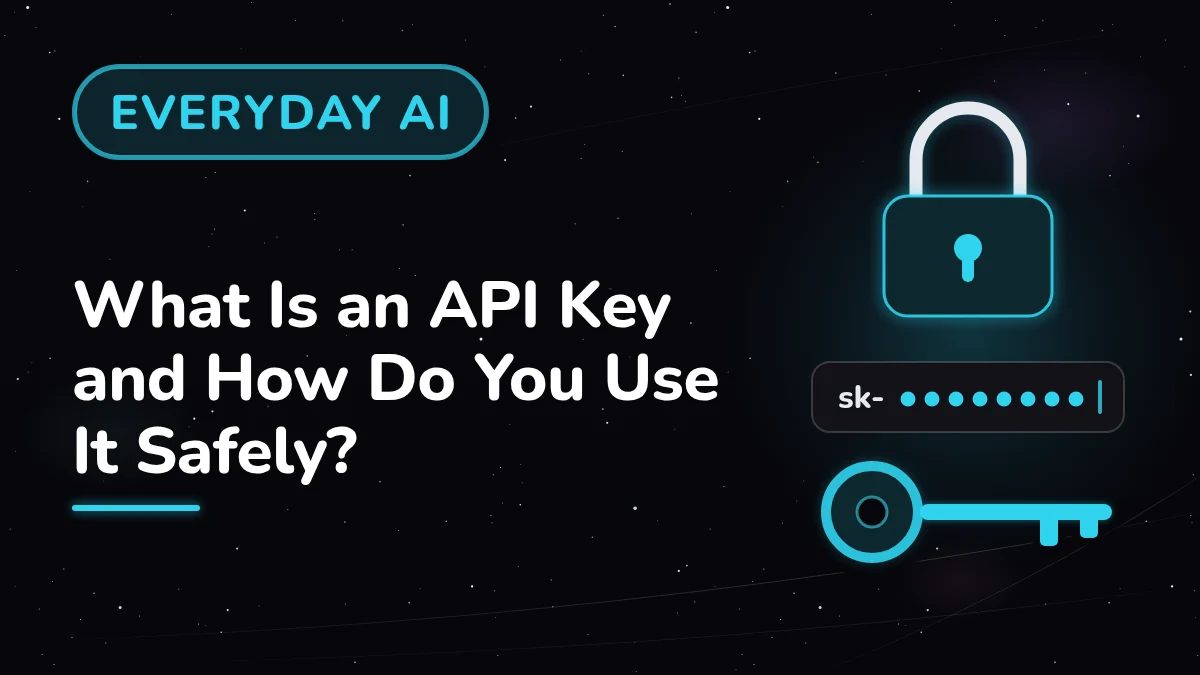
An API key is a long, password-like code that lets an app use an AI service, such as the models behind ChatGPT, Claude, or Grok, on your account. You create it in the provider's developer console, paste it where an app asks for it, and keep it private, because its use is billed to you.
Key takeaways
- An API lets one app ask another service for something, and an API key proves the request comes from your account.
- You create a key in a developer console, such as the OpenAI API platform, the Claude Console, or the developer console for Grok.
- Treat every key like a password: keep it in a password manager, give each app its own key, and replace any key that may have leaked.
- API use is usually pay-as-you-go and billed separately from a chat app subscription, so a spending limit helps keep costs in check.
What problem does an API key solve?
Many helpful apps, such as note-takers, writing tools, and browser add-ons, use an AI model to do their work. Often, the app asks you for an API key so it can reach the AI service on your account. The setup screen talks about keys, consoles, and tokens, which can feel unfamiliar.
What is an API, in plain words?
An API, short for application programming interface, is a set of rules that lets one piece of software ask another for something and get an answer back. Think of it as a service window: an app passes a request through, and the AI service passes the result back.
- The chat app is the website or phone app where you type and read answers, such as ChatGPT, Claude, or Grok.
- The API is the doorway other apps and code use to reach the same family of AI models.
- The API key tells the service which account is making each request, so the use is billed to that account.
Where do you get an API key?
You get an API key from the provider's developer console, a separate area from the chat app. The OpenAI API platform, the Claude Console, and the developer console for Grok each have an API keys page. You set up billing there and create a named key.
- Open the developer console for the AI service your app supports, and sign in.
- Set up billing, such as a payment method or prepaid credits.
- Create a new key on the API keys page, named after the app it belongs to.
- Copy the key straight into your password manager before you close the page.
Some consoles also let you set an expiration date when you create a key, so a forgotten key stops working on its own.
How do you use an API key in an app?
Solution 1 is the simplest route: paste the key into an app or tool that asks for one. Many apps that use AI have a settings screen with a field labeled something like "API key." You paste your key there, save, and the app's AI requests run through your account.
- Choose apps you trust, since a tool that holds your key can use your account.
- Create a fresh key for this app in the provider's console.
- Open the app's settings, find the API key field, and pick the matching provider if asked.
- Paste the key, save, and run one small request, such as a short summary, to confirm it works.
How do you keep an API key in an environment variable?
Solution 2 is an environment variable, a named setting stored on your computer that programs can read. If you try a short script from a provider's quickstart guide, the guide may ask for one. Your key then stays outside the code you write or share.
The OpenAI and Grok API quickstart guides show a one-line command for Mac and Linux terminals, with your key in place of the placeholder:
Each provider has its own variable name, such as OPENAI_API_KEY, ANTHROPIC_API_KEY, or XAI_API_KEY, and its code library reads it for you. On Windows, the OpenAI guide uses the setx command.
What habits keep an API key safe?
A key works like a password for your AI account, and anyone who holds it can run up use on your bill. The providers' safety guides share the same core advice: keep the key private, store it securely, watch your usage, and replace a key that may have leaked.
- Treat it like a password. Keep it in a password manager, and keep it out of chats, emails, screenshots, and shared documents.
- Keep it out of public code. An environment variable means shared code holds only the variable name.
- Give each app its own key, so you can switch off one and keep the rest.
- Set a spending limit or usage cap wherever the provider offers one.
- Replace a leaked key right away. Revoke or delete it on the API keys page, create a new one, and update the app.
This is the same habit we use to keep private details out of AI chats. Passwords, card numbers, and account codes stay with you, and placeholders like [MY KEY] stand in for them.
How do billing, tokens, and rate limits work?
API use is usually pay-as-you-go: you pay for what your apps use, measured in tokens, small pieces of text a model reads and writes. It is billed separately from a chat app subscription, so a ChatGPT, Claude, or Grok plan and an API account have their own billing. The provider's billing help page has the details.
- Separate billing. All three providers say chat subscriptions and API use are billed separately; a few Claude plans include monthly API credits.
- Prepaid credits and spending controls. You can buy credits ahead of time, and billing pages include tools such as spend limits, spend alerts, or a monthly cap on top-ups.
- Tokens. A token can be a word, part of a word, or punctuation. One provider's guide gives a rough rule for English: about 75 words for every 100 tokens.
- Rate limits. Caps such as requests per minute and tokens per minute differ by model, and accounts move up to higher limits in steps over time.
A low spending limit is a handy safety net while you try a new app.
What does it look like in practice?
Say a freelance writer wants a note-taking app to summarize meeting notes with a Claude model, and the app asks for an API key. The writer creates a key named after the app in the Claude Console, sets a low monthly spend limit, and pastes the key into the app's settings field.
- Before: one key named "key 1," pasted into [app name], [second app], and a shared document.
- After: one key per app, each saved in the password manager, plus a spend limit of [an amount you choose].
Later, the writer revokes the second app's key, and the note-taking app keeps running.
What are common snags with API keys, and how do you fix them?
Most snags come from a key pasted in the wrong place, a billing step left for later, or a limit reached. Each fix below is a small change in the app's settings or the provider's console. The console's usage and billing pages show what is happening.
- If the app says the key is invalid, try copying it again, with any extra spaces removed.
- If requests fail right after setup, try checking the billing page for a payment method or credit balance.
- If you see a "too many requests" error, try waiting a moment, then retrying with longer pauses, and check your spending limit if it repeats.
- If you think a key has leaked, try revoking it first, then create a new key and update the app.
What do people often ask about API keys?
Three questions come up often when people set up their first API key. Each one comes back to the same core habit: keep the key private like a password, give each app its own key, and keep an eye on your billing page.
Is an API key the same as my chat app password?
They are separate: your password signs you in to the chat app, and an API key lets apps use the AI service on your account.
Does my ChatGPT, Claude, or Grok subscription cover API use?
API use is usually billed separately. A few plans include some API credits, so the provider's billing help page has the details for yours.
What should I do if I shared a key by mistake?
Revoke that key on the API keys page, create a new one, and paste it into the app.
What tip helps with your first API key?
Start with one app, one fresh key, and a low spending limit. Name the key after the app, save it in your password manager, and run one small request. From there, each new app gets its own key, and your usage page shows where your AI use goes.